> ## Documentation Index
> Fetch the complete documentation index at: https://hilos-40.mintlify.site/llms.txt
> Use this file to discover all available pages before exploring further.
# Archive Conversations
Archived conversations will be visible in your Inbox by default, to stop seeing them you can add a filter "Is archived = False"
To archive a conversation in Hilos, follow these steps:
Open the Inbox window.
Click on the conversation you want to archive.
In the right sidebar, you will find a tray icon below the basic contact information.
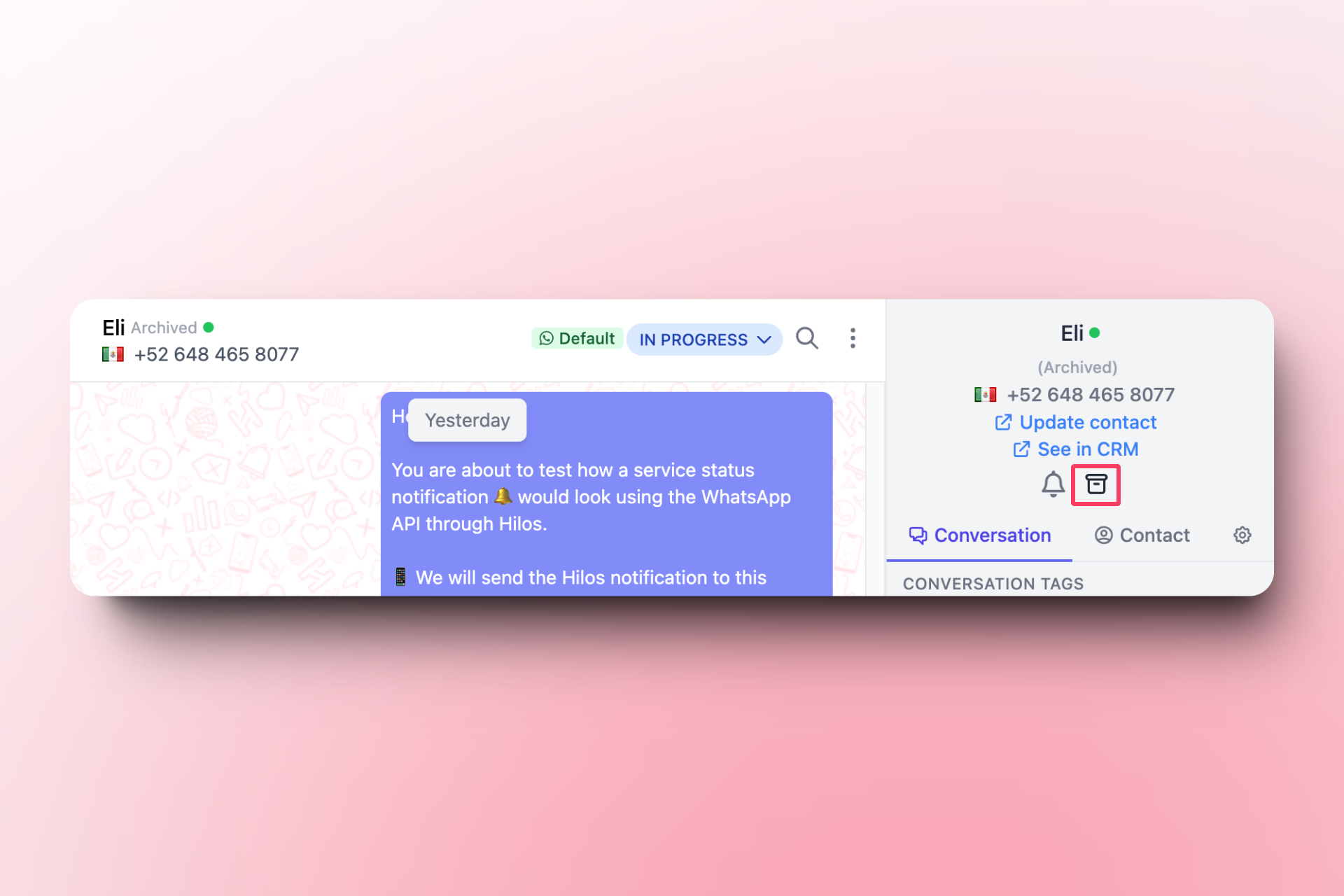
To archive more than one conversation at the same time:
Open the Inbox window.
A box like this will appear, allowing you to select multiple conversations (or all conversations in that view or with that filter; see the section on views and filters in organizing conversations).

1. Selected
2. Archive
3. Yes
4. Apply

You can read and learn more about archiving conversations [by clicking here.](https://hilos.io/docs/user/using-hilos/inbox/archiving-a-conversation)