> ## Documentation Index
> Fetch the complete documentation index at: https://hilos-40.mintlify.site/llms.txt
> Use this file to discover all available pages before exploring further.

# Creating a template

On this guide you'll learn what is a template, why do you need one and how you can create your own. Lets get into it!

The first thing we need to do is go to our [template list](https://app.hilos.io/template).
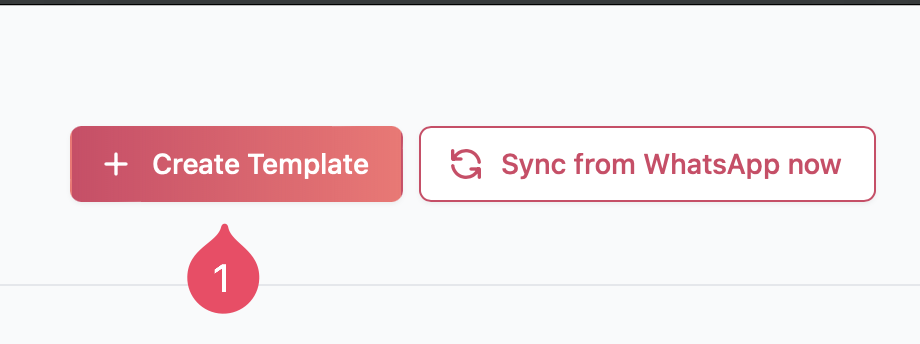
![Click on the button to create a new template](https://hilos-media.s3.us-east-2.amazonaws.com/documentation/userdocs/using-hilos/reference/templates/creating-a-template/img1.png)

![Give your template a name, a category and select the language it will be written in.](https://hilos-media.s3.us-east-2.amazonaws.com/documentation/userdocs/using-hilos/reference/templates/creating-a-template/img3.png)

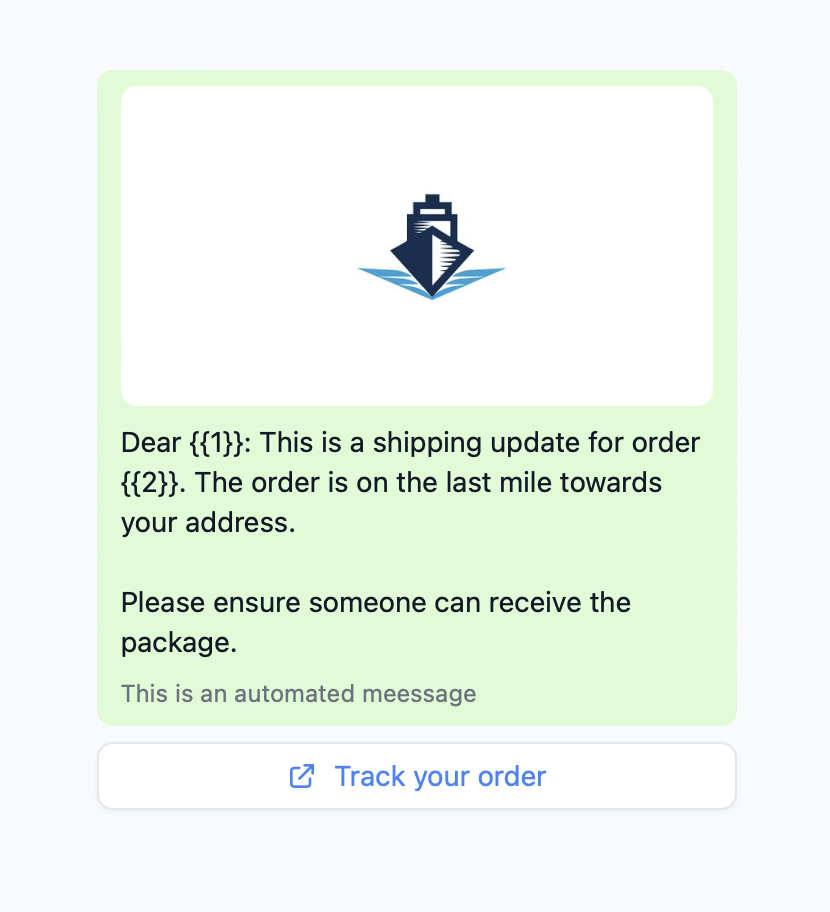
![Add your desired Header, Body, Footer and Buttons](https://hilos-media.s3.us-east-2.amazonaws.com/documentation/userdocs/using-hilos/reference/templates/creating-a-template/img4.png)

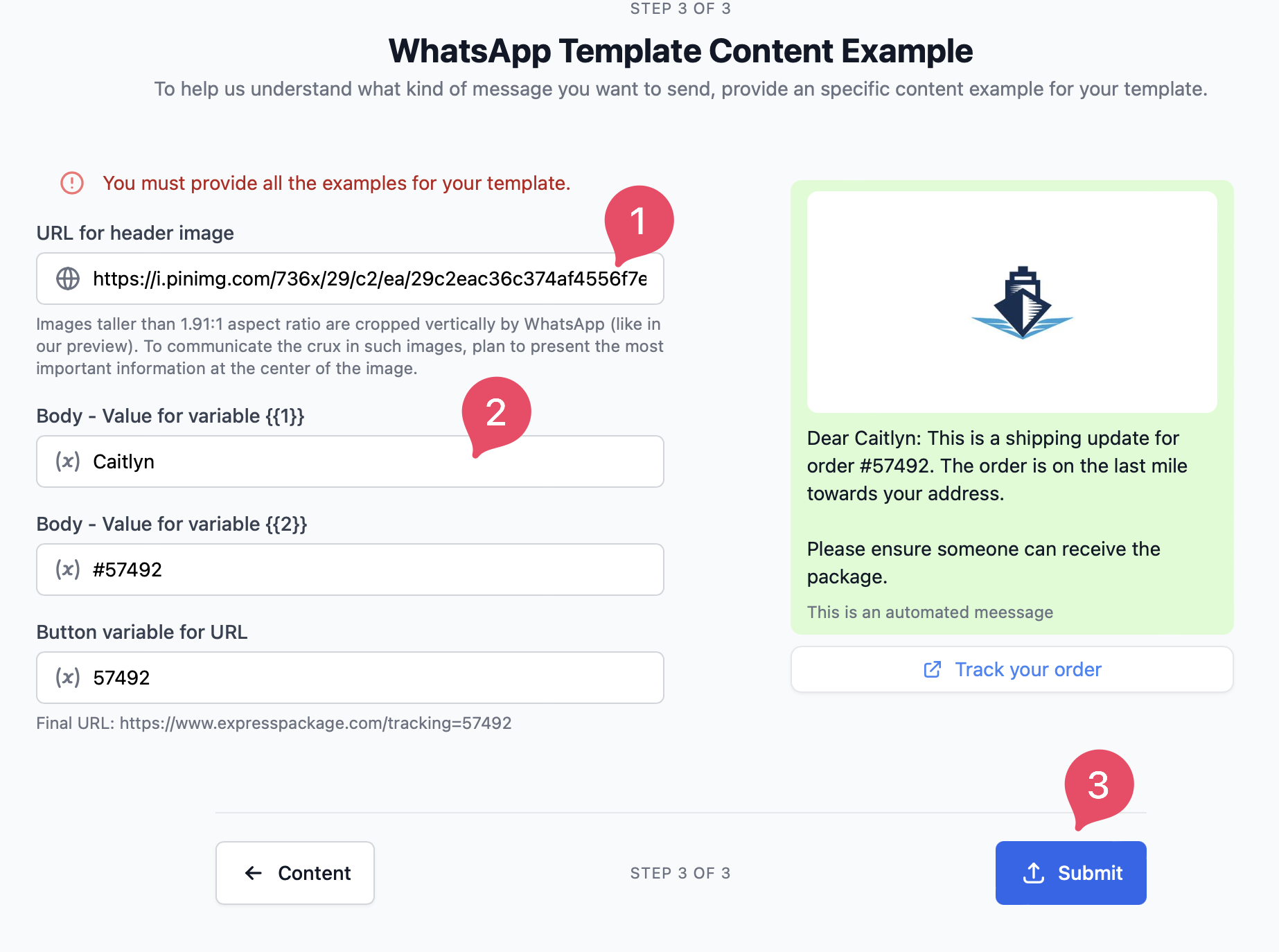
![Now provide the URL of the photo/video for the header if needed and do a bit of testing with your variables. Once you're happy click Submit.](https://hilos-media.s3.us-east-2.amazonaws.com/documentation/userdocs/using-hilos/reference/templates/creating-a-template/img5.png)

<Warning>
  **Warning:** The URL you add here **IS NOT** attached to the template, it's only used for testing purposes, later when using this template you'll need to provide the URL of the media again.
</Warning>

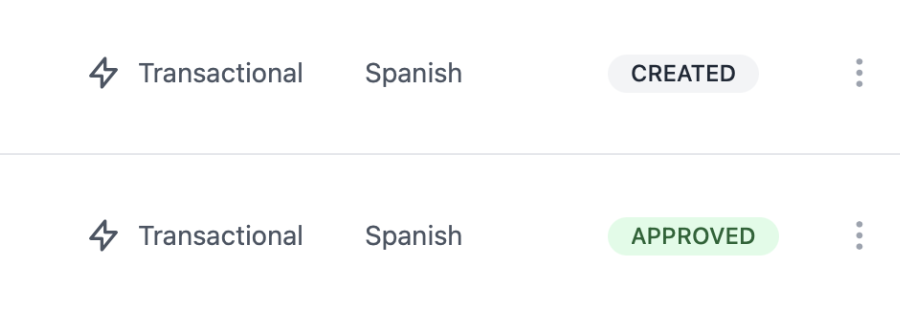
![Your template will now be sent for approval, once it's ready to be used you'll se its status change from Pending to Approved.](https://hilos-media.s3.us-east-2.amazonaws.com/documentation/userdocs/using-hilos/reference/templates/creating-a-template/img6.png)

<Warning>
  Please bear in mind that Hilos doesn't have any control over the approval process or its completion time, this is an internal WhatsApp process. and can take a while to complete. Usually it takes a few minutes for Meta to approve a template, but the official guideline is that it may take up to 2 business days.

  Make sure to create them ahead of time!
</Warning>