

1
Follow the steps to create a view
Refer to how to create a view within this guide.
2
Set up the Filters
In the new view configuration panel, set the filters that define which conversations you want to include in your support view.
- Conversation Status: You can choose to display only conversations marked as “New” or “In progress,” depending on how your team categorizes support conversations.
- Conversation Tags: If you use tags to classify support conversations (such as “Support” or “Help”), include them in your filters.
- Assigned to: If you have specific team members responsible for support, you can filter to show only the conversations assigned to them.
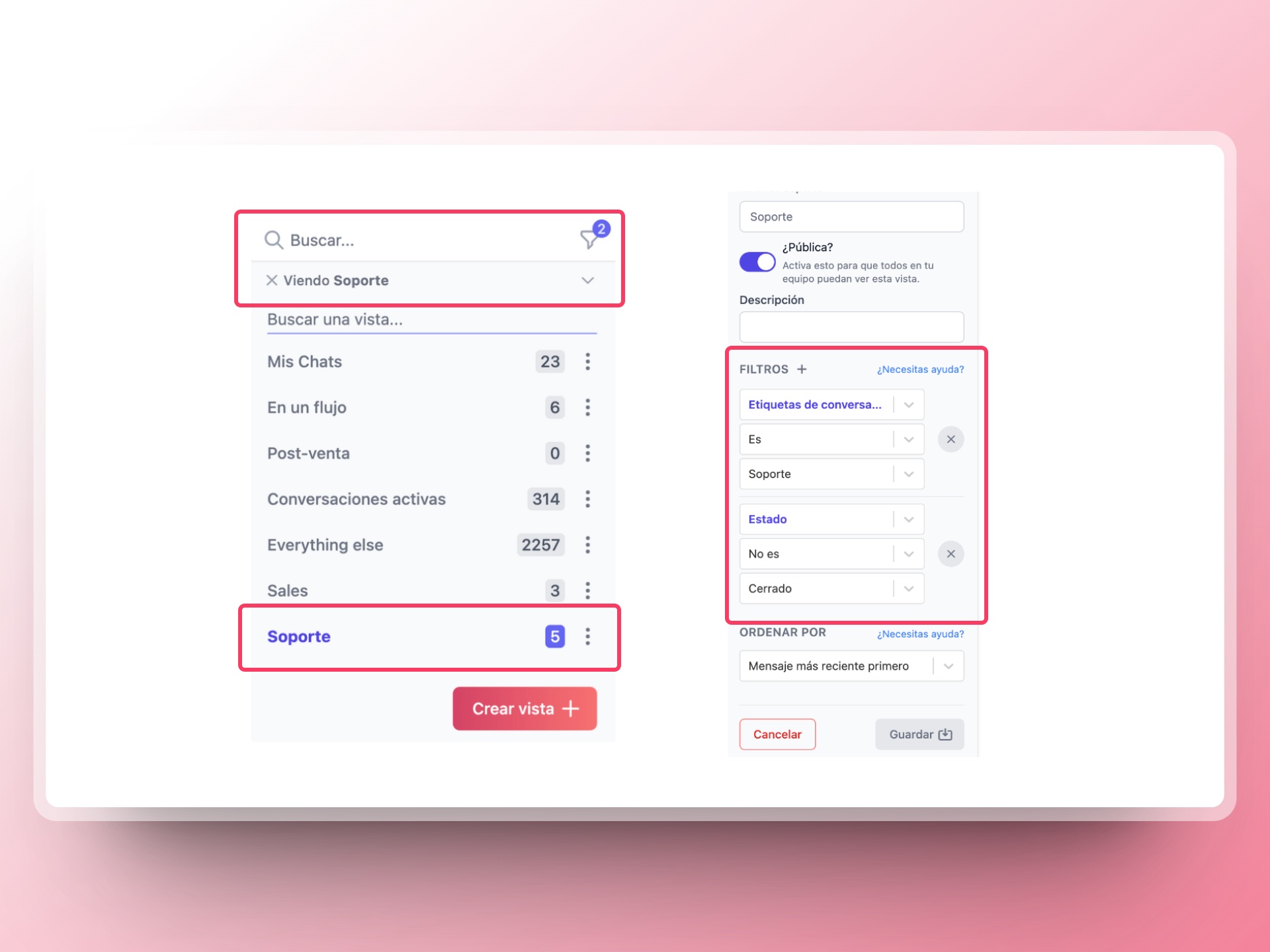 You can read and learn more about how to automatically add tags to your conversations by clicking here.