

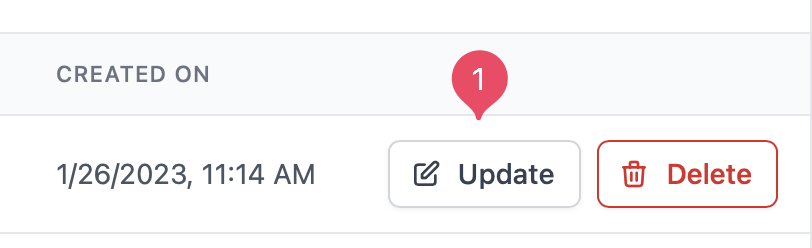
 On the contact’s page you can edit the contact’s information and add attributes. You can also add a note to the contact’s timeline.
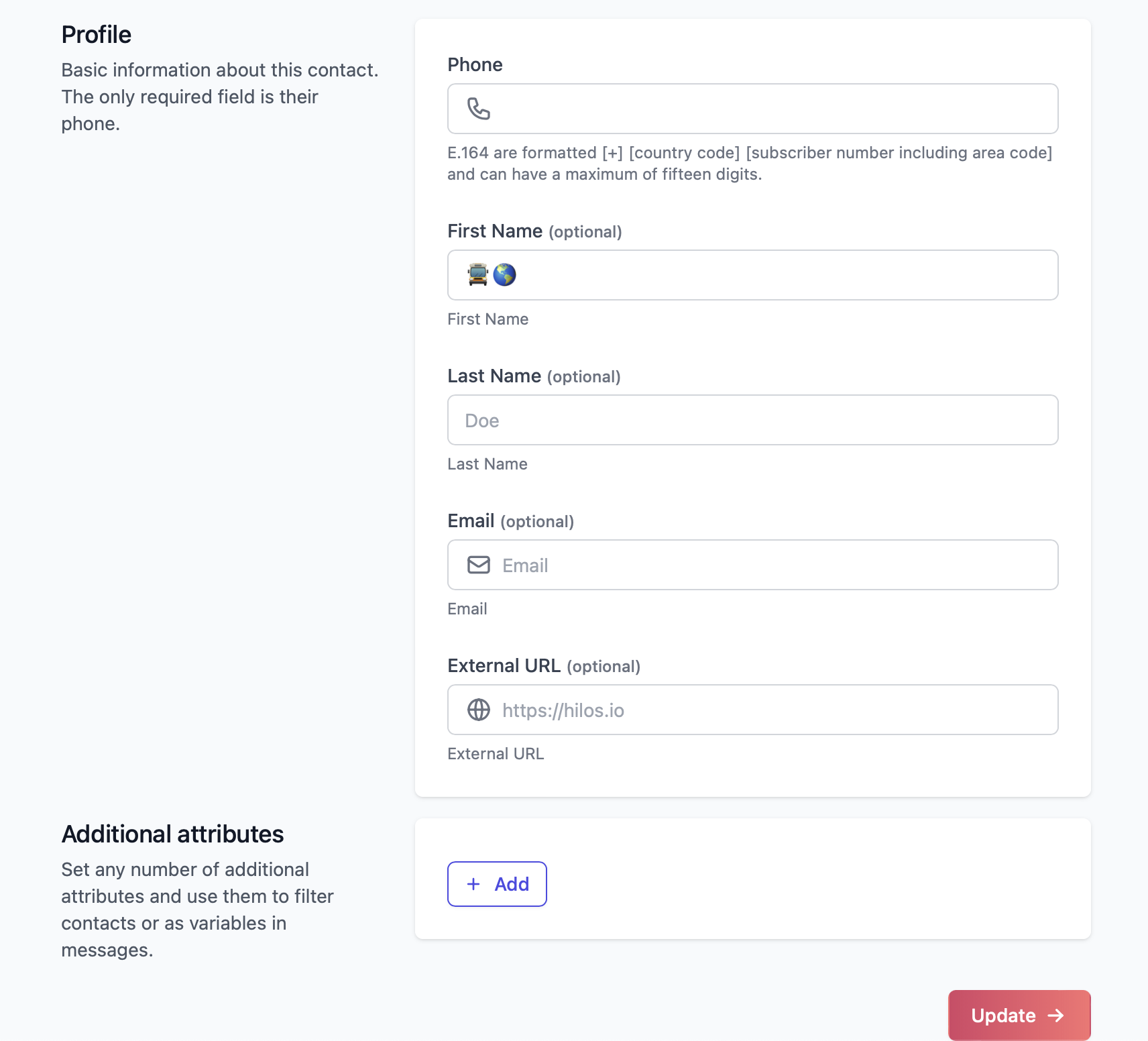 When you are done editing the contact, click on the Update button on the bottom right corner of the page.
On the contact’s page you can edit the contact’s information and add attributes. You can also add a note to the contact’s timeline.
When you are done editing the contact, click on the Update button on the bottom right corner of the page.
When you are done editing the contact, click on the Update button on the bottom right corner of the page.
On the contact’s page you can edit the contact’s information and add attributes. You can also add a note to the contact’s timeline.
When you are done editing the contact, click on the Update button on the bottom right corner of the page.