

Settings & Setup
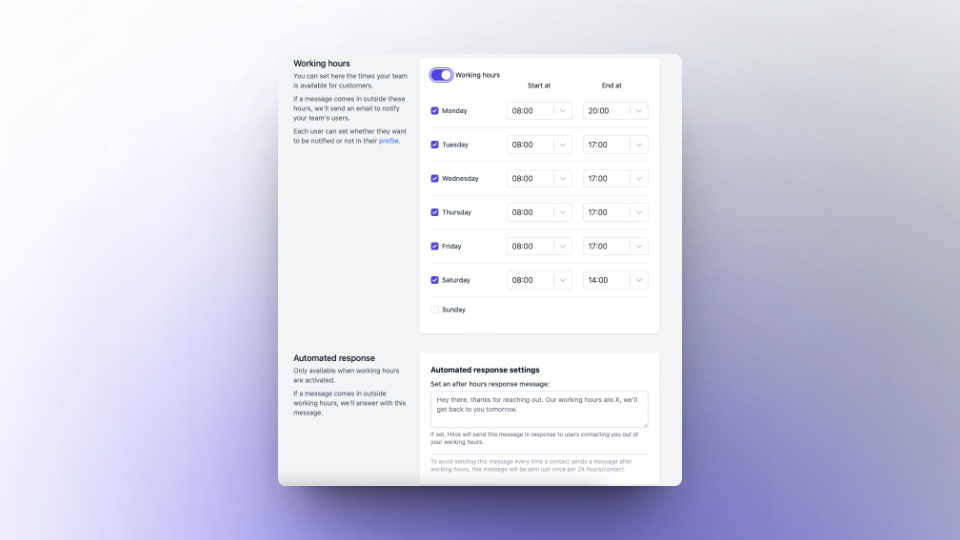
Working hours
To set up your working hours and after-hours message, go to Hilos > Settings > Working Hours. Here, you can specify your business hours and set up an automatic message for customers who try to contact you outside of those hours.